Tutorial: Creating Your First Project
Objective
Create the project and study that will hold your datasets.
Prerequisites
- Backend and frontend are running.
- You can sign in to PhenoWorks.
Estimated Time
10 minutes.
Quick route: the guided setup
If you want to analyze data straight away, open Home and follow Set up an analysis. Its Project step creates a project, a study, and a dataset in one go, then continues to the upload and analysis steps. See Running a Workflow.
The steps below create a project and study on their own, which is useful when you want to describe them fully before adding data.
Steps
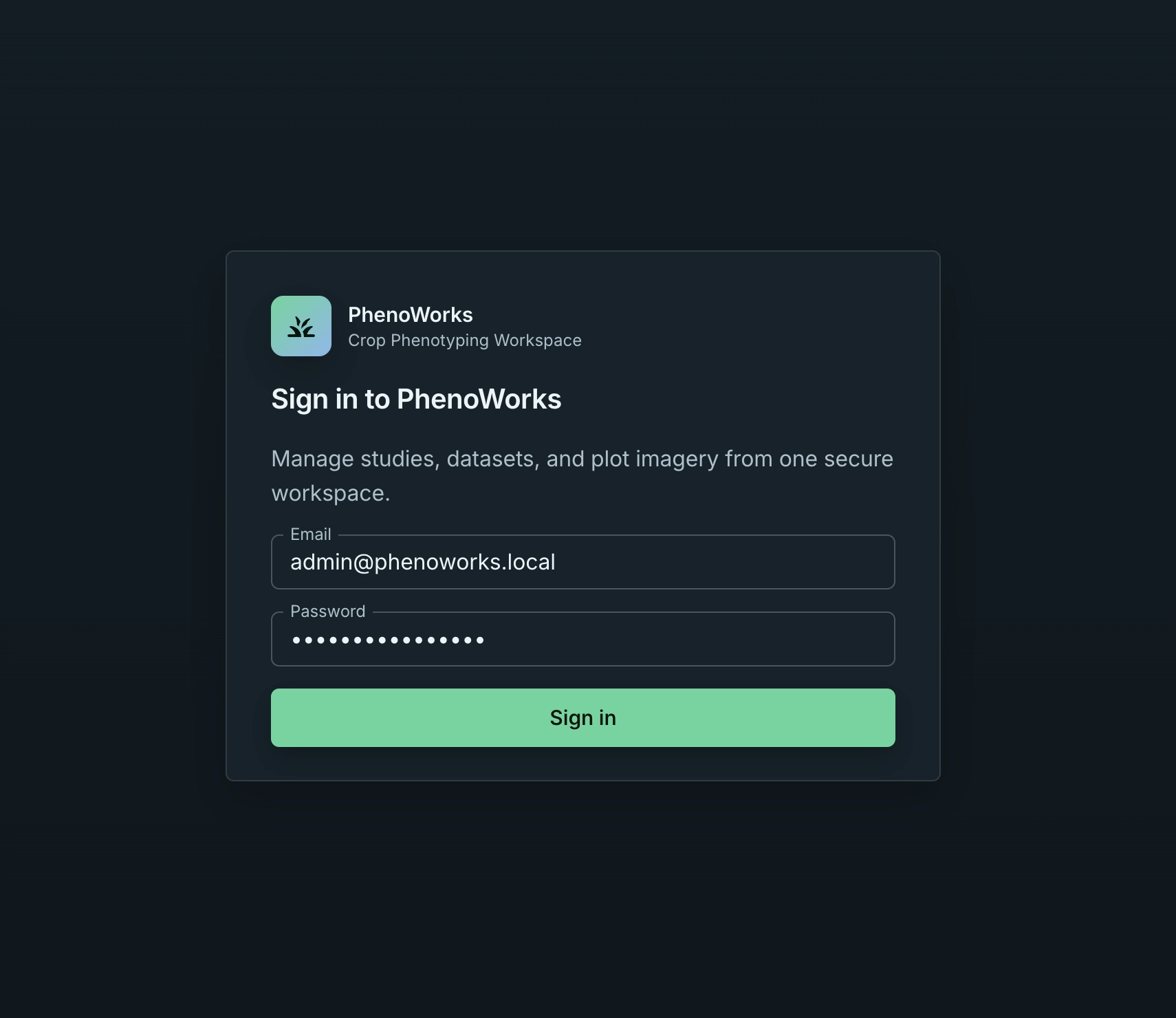
- Sign in.
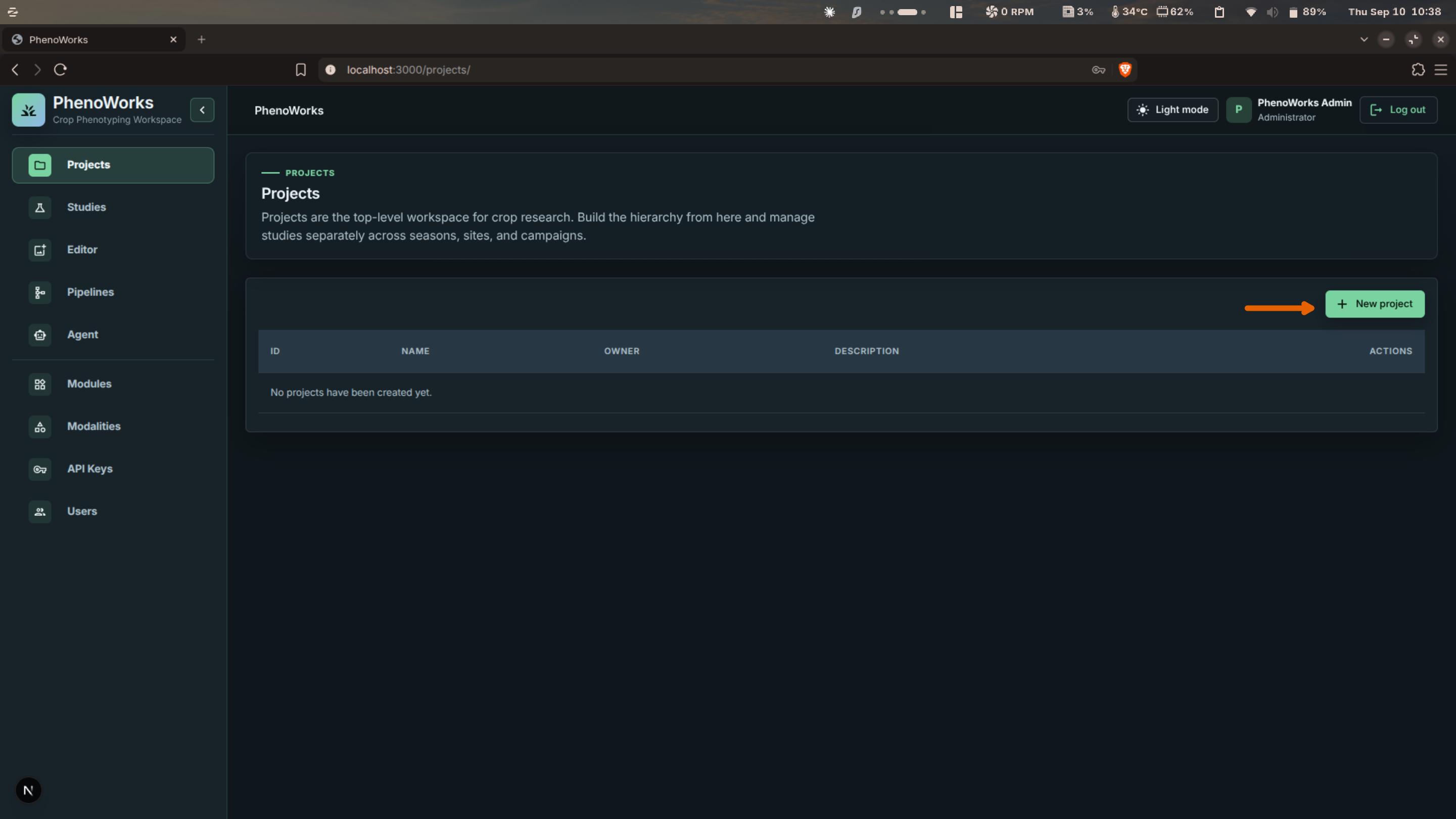
- Open Projects.
- Select New project.
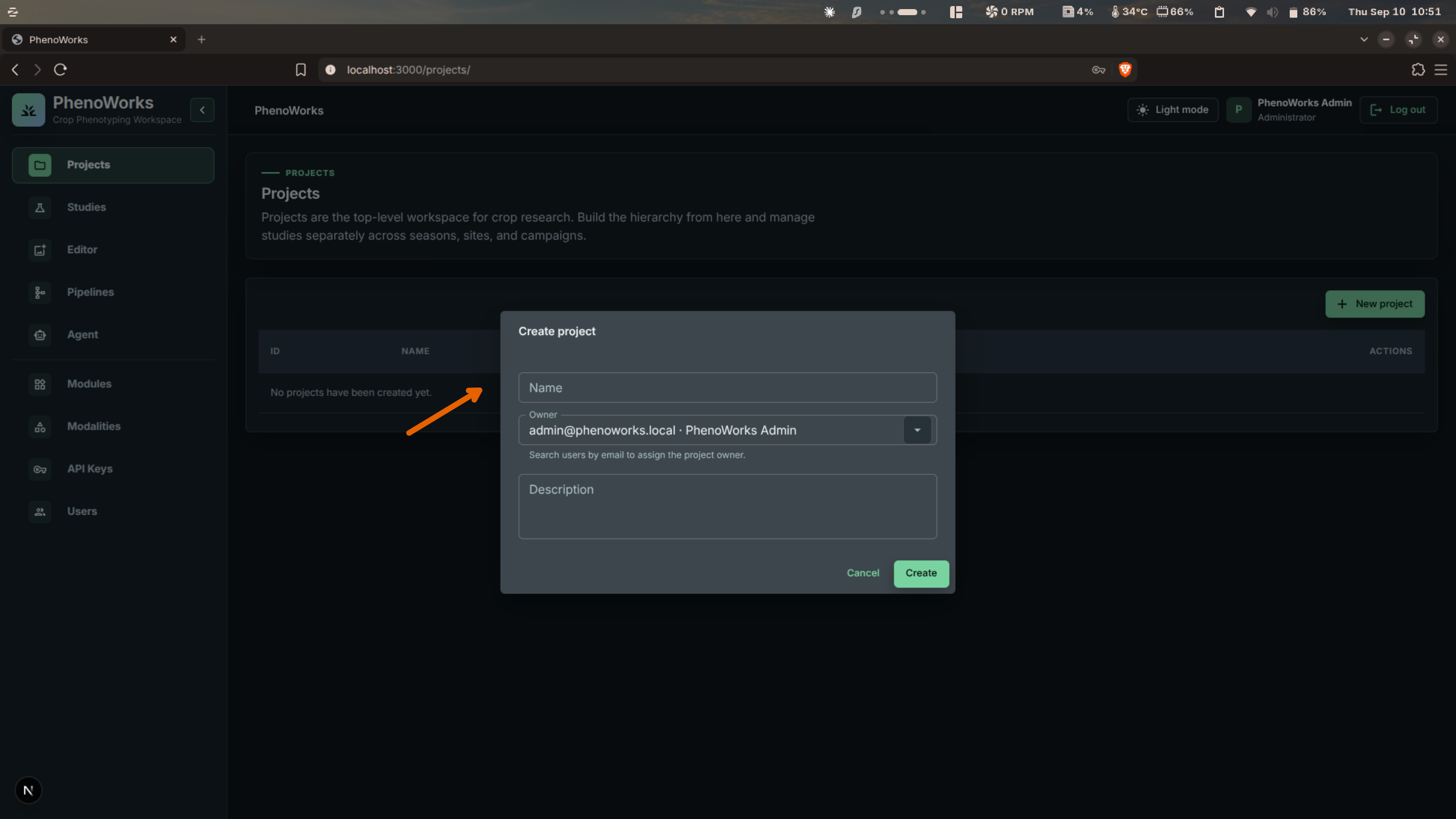
- In Create project, enter the Name and Description. Projects you create are assigned to your account; administrators can choose another Owner.
- Select Create.
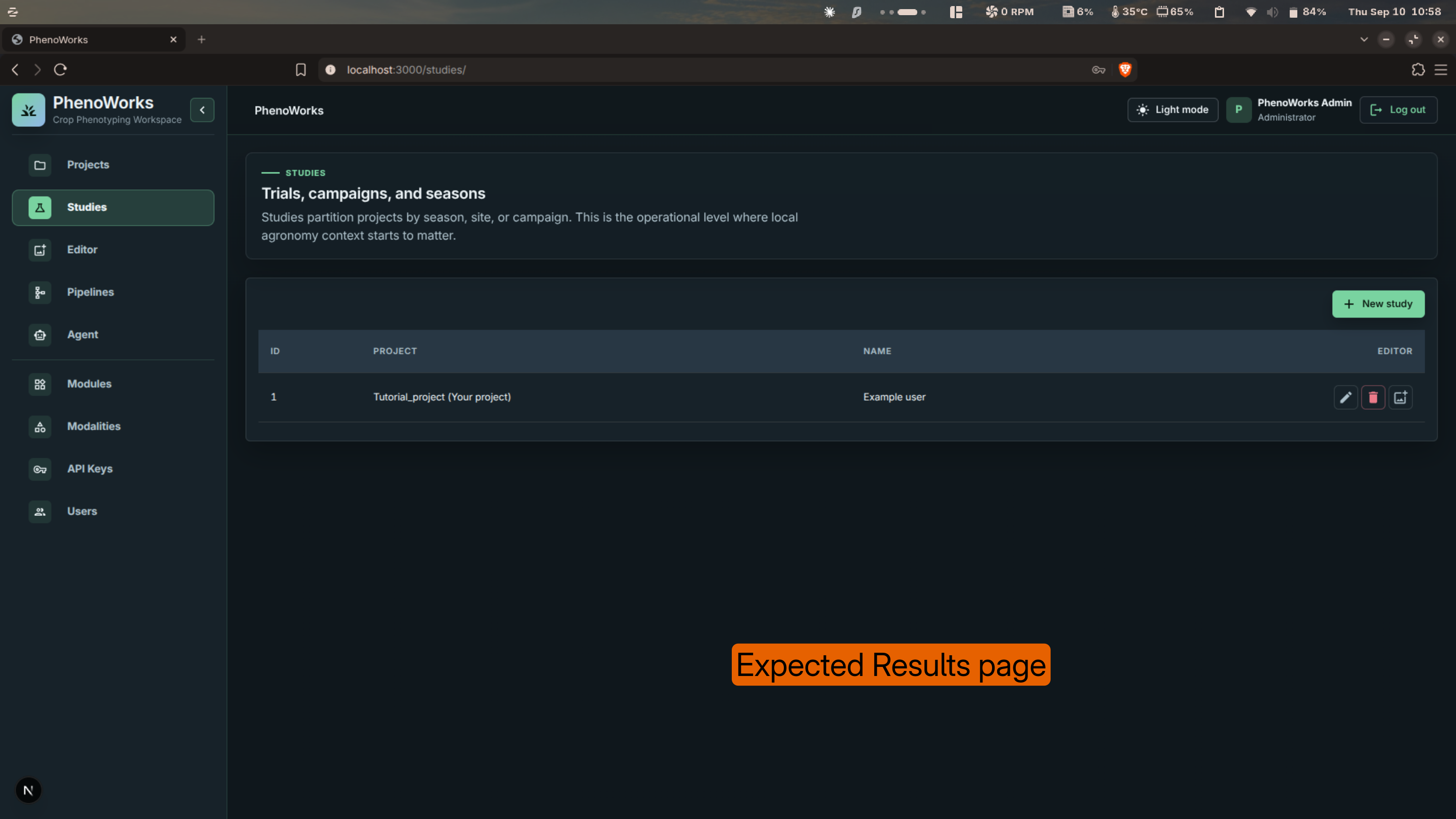
- Open Studies.
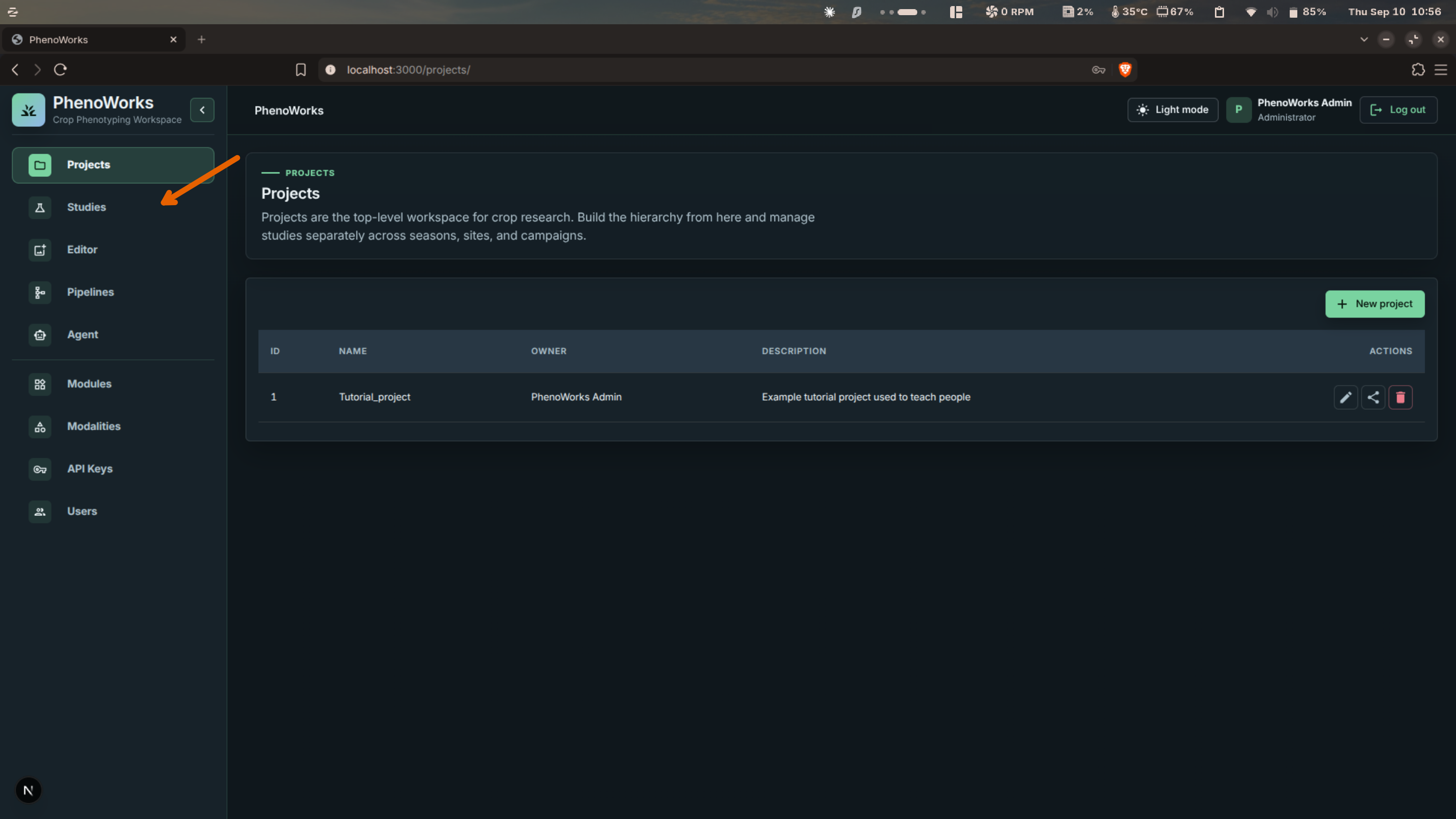
- Select New study.
- In Create study, choose the Project and enter a Name. Optionally add a description, abstract, methods summary, start and end dates, and metadata as JSON.
- Select Create.
Expected Result
You have one project and one study. Open Editor: the study appears under the project in the Data explorer, ready for its first dataset.
Share the project
Select Share project on the project's row to add collaborators. Members can view the project's data and results; only the owner can upload files or change its structure. Shared access also determines what collaborators can retrieve through the Agent or MCP.
Common Mistakes
- Creating datasets before choosing a clear study boundary.
- Leaving project ownership assigned to the wrong user.
Tips
Use descriptions to capture field, crop, treatment family, and season in plain language. A study can hold several datasets, and a dataset several surveys, so a new collection date does not require a new study.